
Welcome
I’m a twice exited founder & veteran entrepreneur and currently Head of Enterprise Sales at Dify.
I’m also passionate about coaching founders & executives to better understand their own pysche of who they are, tap into personal power, create a crystal clear vision, ensure a healthy company culture, all while feeling deeply supported through the process.
My coaching method strives for lasting transformational results, rooted in the deep belief that you can succeed in your goals without burning out in the process. My coaching work is guaranteed. It moves you in the direction you desire or your money back.
If you feel coaching would benefit where you are in your journey, I welcome a chat.
To get periodic updates in your inbox, feel free to subscribe:
Testimonials
Allen is an experienced coach that approaches life with passion and authenticity. Working with him has helped me move my life for the better.
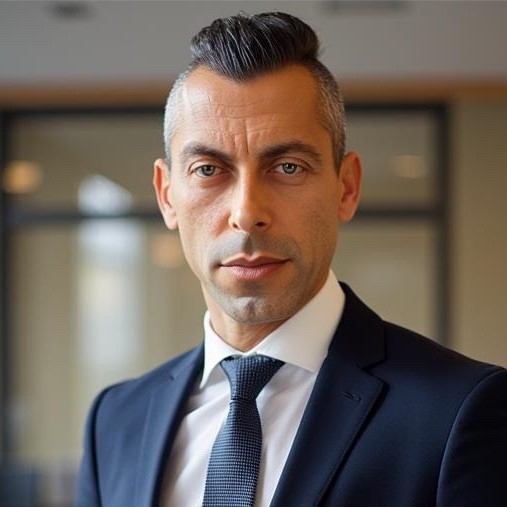
Joseph Soleiman
CEO, AlphaGen
Popular Topics
Featured Posts
I Only Coach Those That…
I only coach those that are ready for coaching. That might sound selective, but after decades in leadership…

Feeling Founder Burnout
It’s been a little over a decade now, but I still remember all too well when I was…

Recent Posts
Why Sales Leaders Keep Getting Replaced
The average CRO lasts 18 to 25 months. The official reason is missed quota. The real reason is…

The Thing Is Never The Thing
It was close to midnight when my assistant and her husband rushed through my front door and found…

Notes on Advice
Advice has almost no value. Not because people are bad at giving it — but because of how…